PIONEER DJ + ALPHATHETA · USB AUDIO
Your mix. Your lights.
One Mac between them.
Use your mixer’s USB audio feed to run music-reactive lighting with Very Lit. Find your model for the right computer port, audio routing and a complete path to an Art-Net node and DMX lights.
Find your device ↓ Try the 3D demo →From your mix to the dance floor.
- Your DJ mixerProgram mixUSB audio →
- Mac + Very LitListen • animate • sendEthernet / Art-Net →
- Art-Net → DMX nodeYour lighting bridgeDMX cable →
- DMX fixturesLight follows the music
Choose by audio capability, not just the USB socket.
These 29 model guides cover manufacturer-documented USB capture routes, including AlphaTheta successors and legacy models. Very Lit accepts Mac audio inputs; it does not need MIDI or PRO DJ LINK. Compatibility here is based on the manufacturer’s routing documentation and the bridge’s current audio support, rather than a claim that every model has been physically tested with Very Lit.
The A9 uses its first stereo pair. Other models currently combine their exposed input channels, so the guide explains the routing checks you need. Legacy devices also need a working driver on your Mac running macOS 14 or later. If your DJ routing cannot provide a clean mix, a separate stereo USB audio interface is the reliable alternative.
Find your mixer or all-in-one.
29 device guides
All-in-one systems
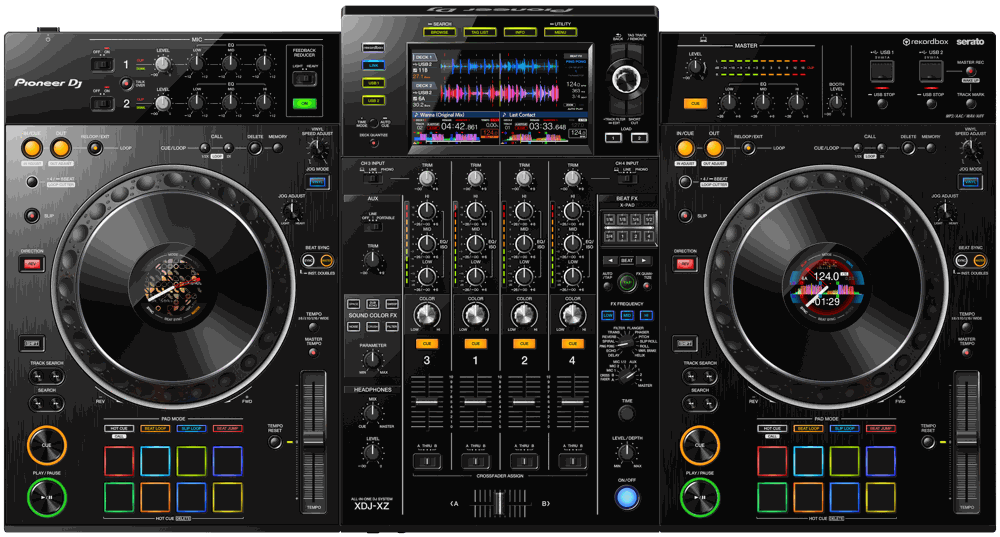
Pioneer DJ
XDJ-XZ
4-channel all-in-one system
USB routing & lighting setup →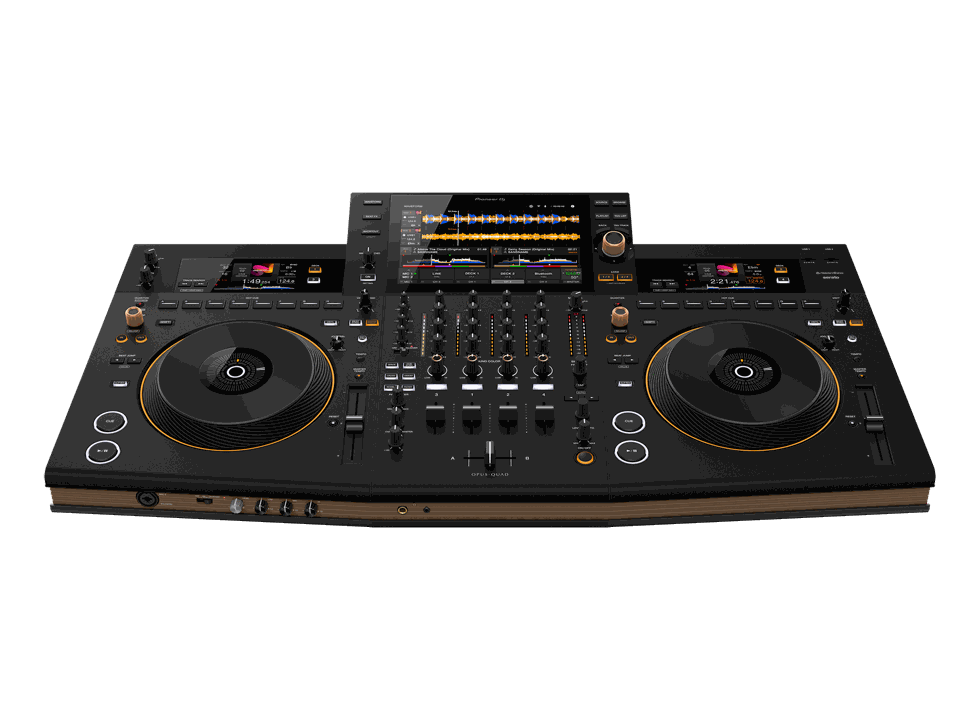
Pioneer DJ
OPUS-QUAD
4-channel all-in-one system
USB routing & lighting setup →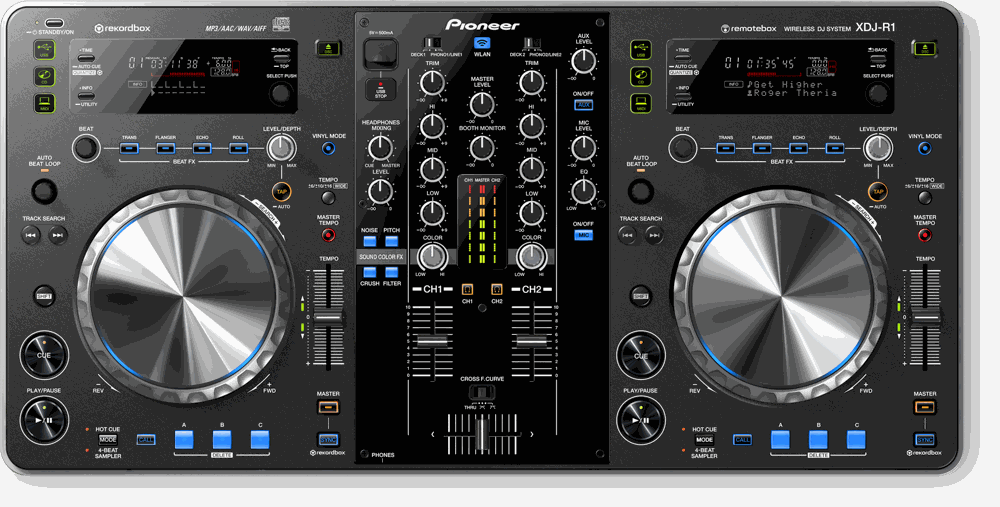
Pioneer DJ · LEGACY
XDJ-R1
2-channel legacy all-in-one system
USB routing & lighting setup →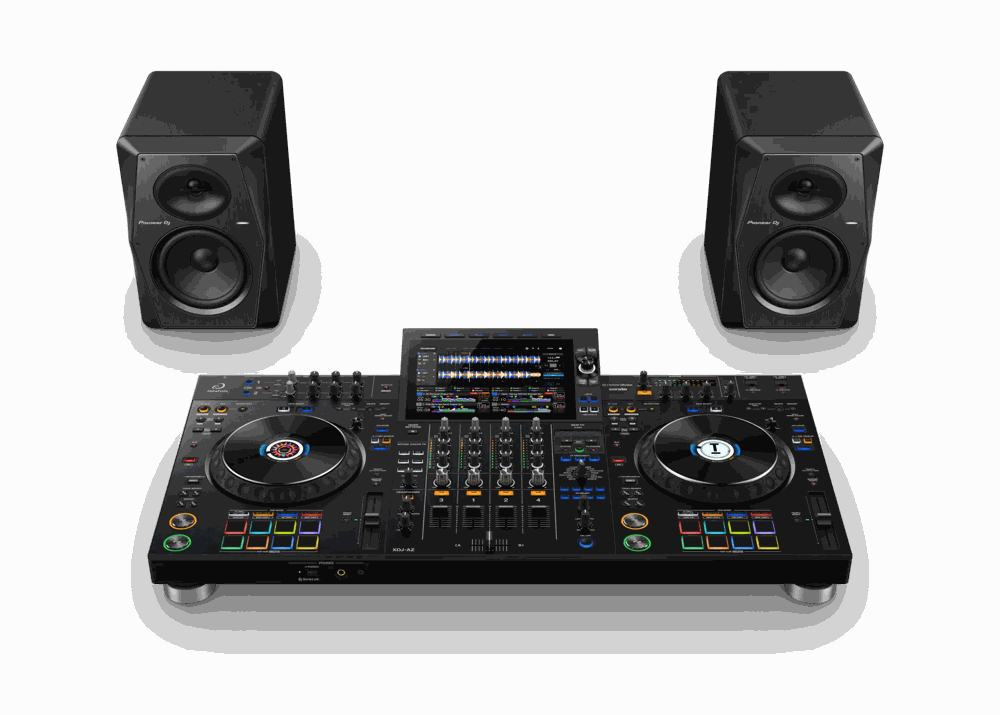
AlphaTheta
XDJ-AZ
4-channel all-in-one system
USB routing & lighting setup →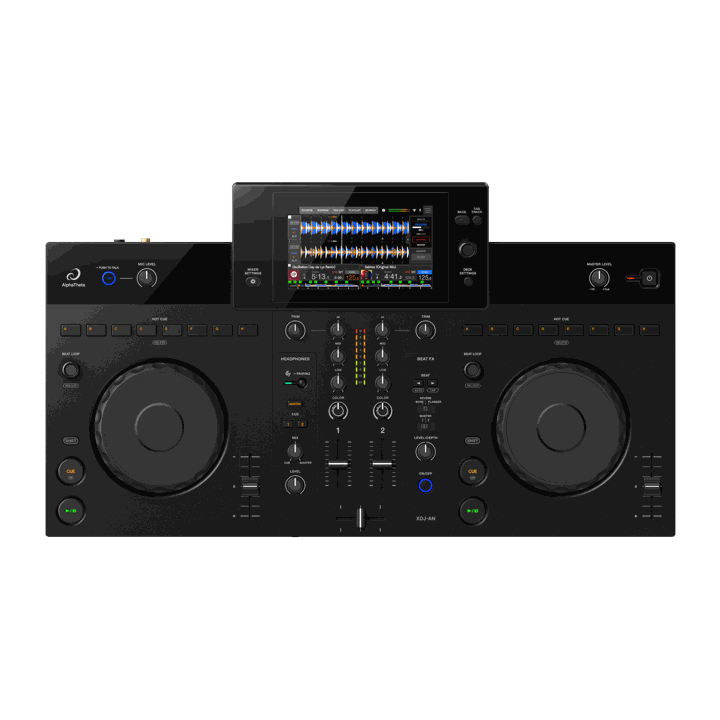
AlphaTheta
XDJ-AN
2-channel all-in-one system
USB routing & lighting setup →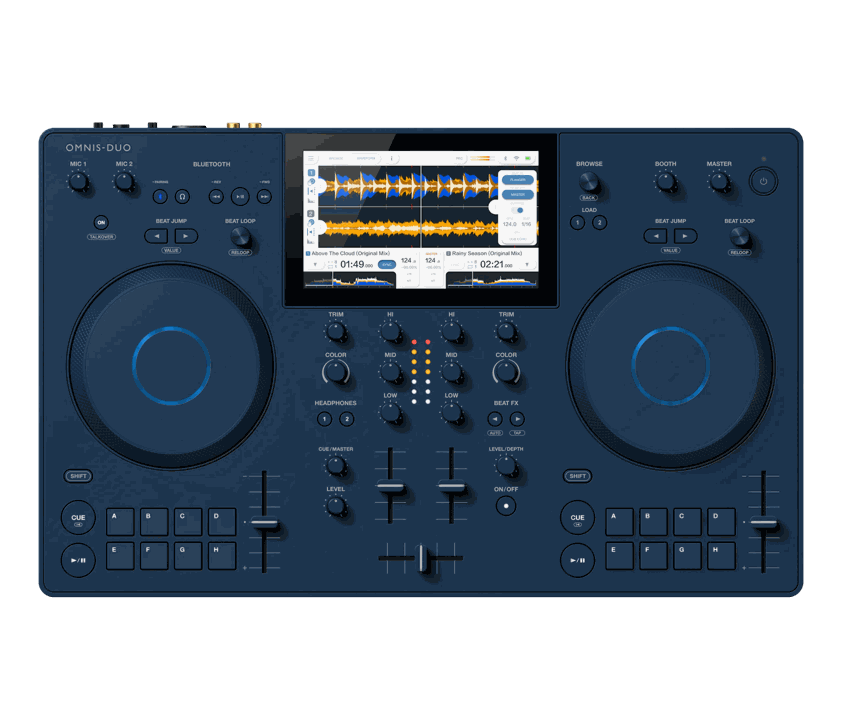
AlphaTheta
OMNIS-DUO
2-channel portable all-in-one system
USB routing & lighting setup →Club & scratch mixers
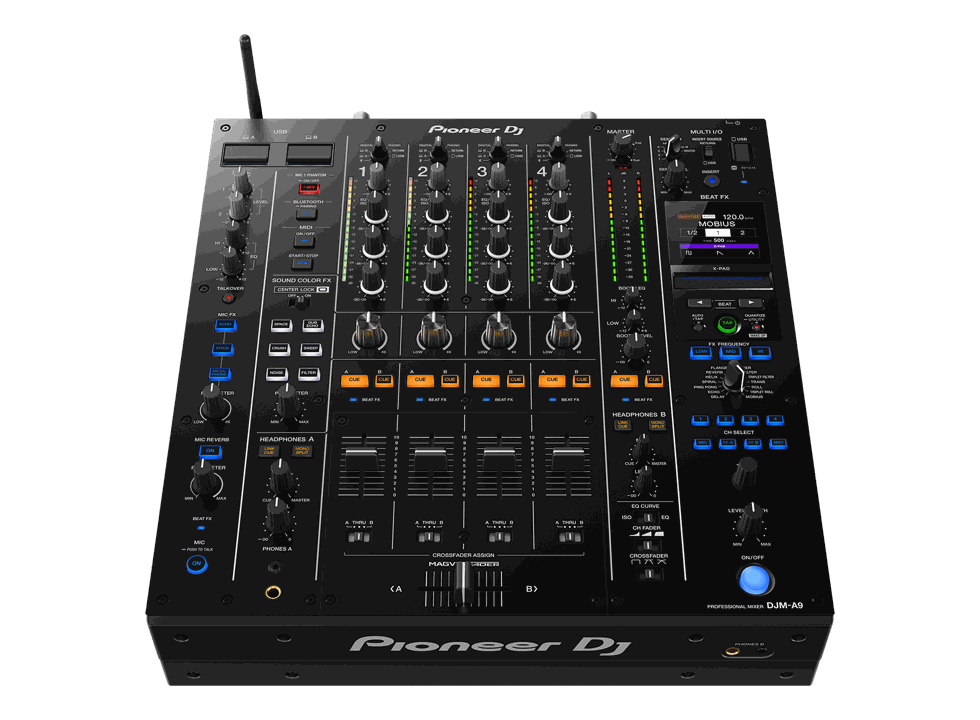
Pioneer DJ
DJM-A9
4-channel club mixer
USB routing & lighting setup →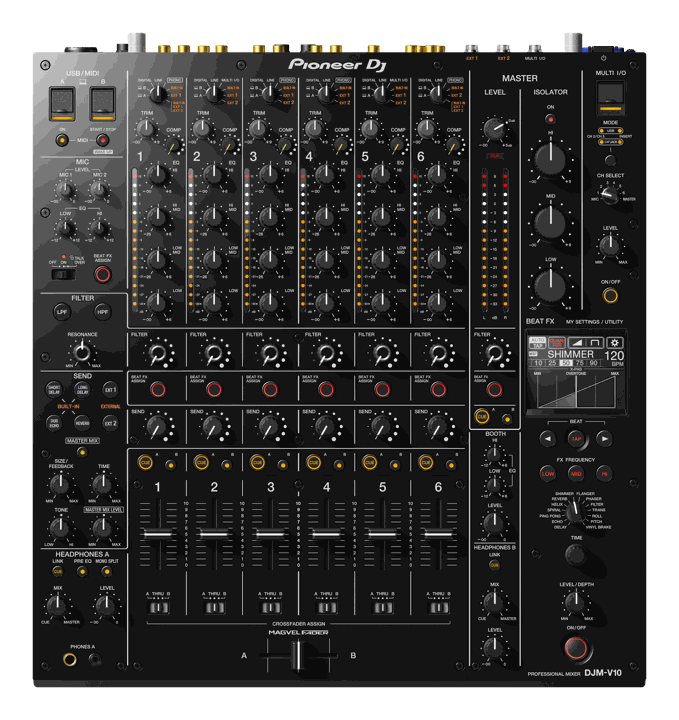
Pioneer DJ
DJM-V10
6-channel club mixer
USB routing & lighting setup →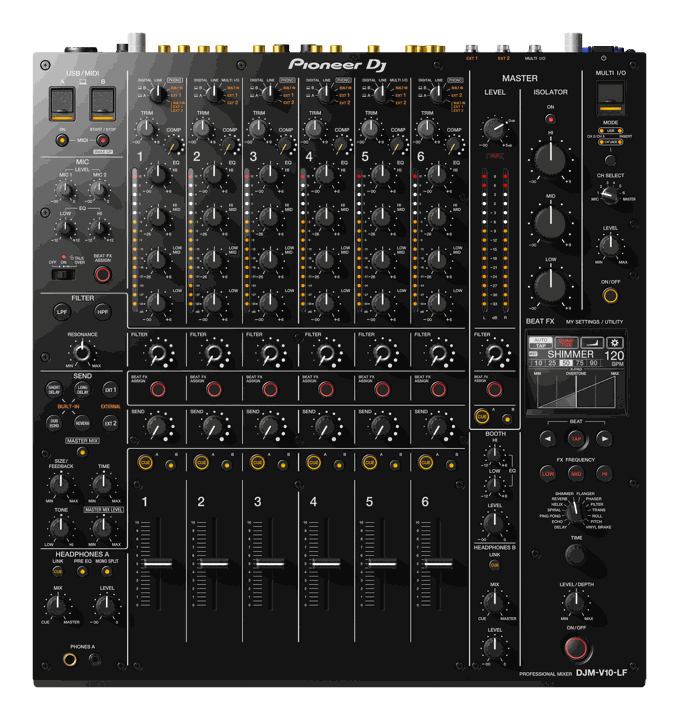
Pioneer DJ
DJM-V10-LF
6-channel long-fader mixer
USB routing & lighting setup →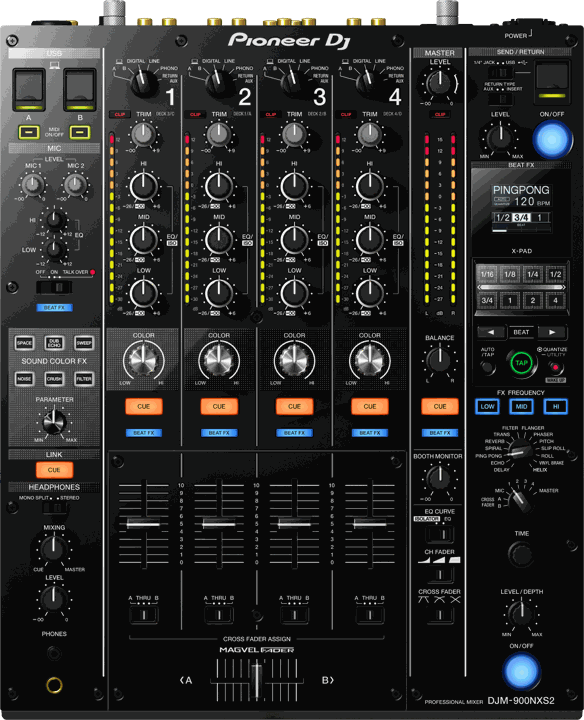
Pioneer DJ
DJM-900NXS2
4-channel club mixer
USB routing & lighting setup →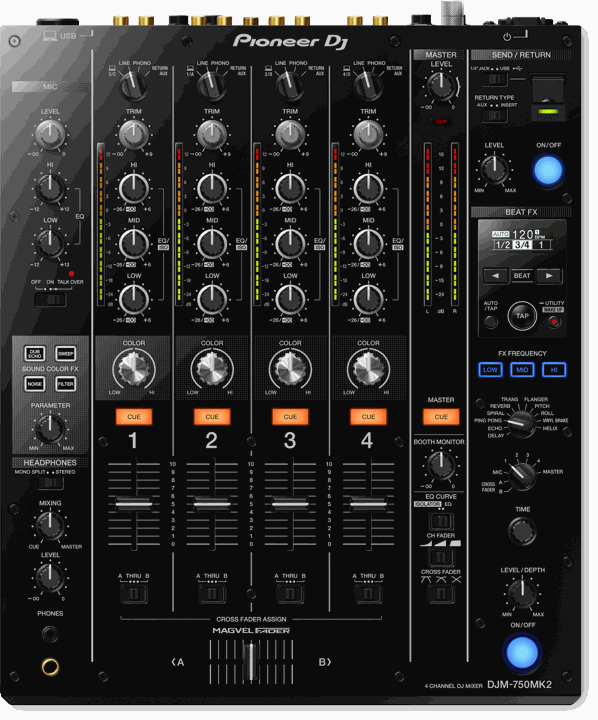
Pioneer DJ
DJM-750MK2
4-channel performance mixer
USB routing & lighting setup →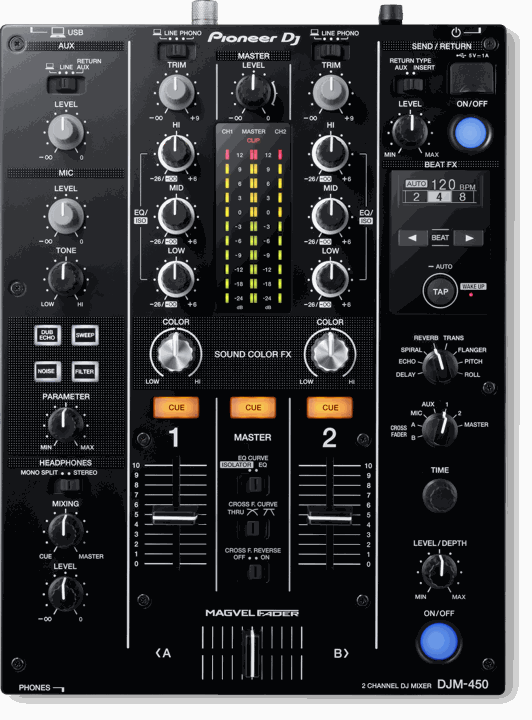
Pioneer DJ
DJM-450
2-channel effects mixer
USB routing & lighting setup →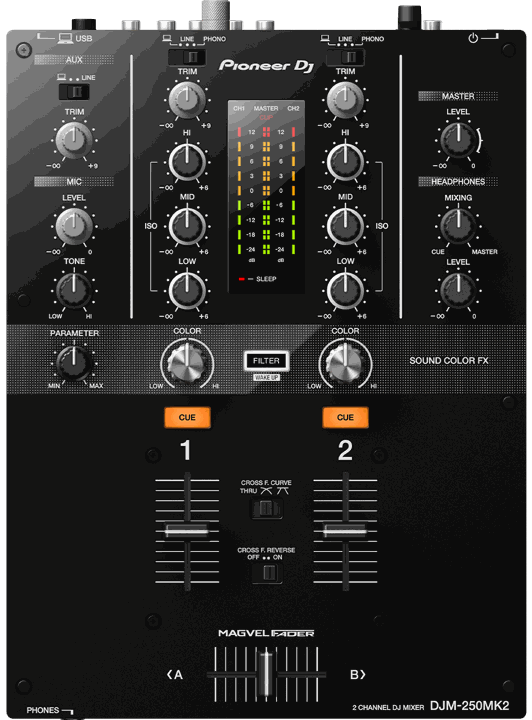
Pioneer DJ
DJM-250MK2
2-channel compact mixer
USB routing & lighting setup →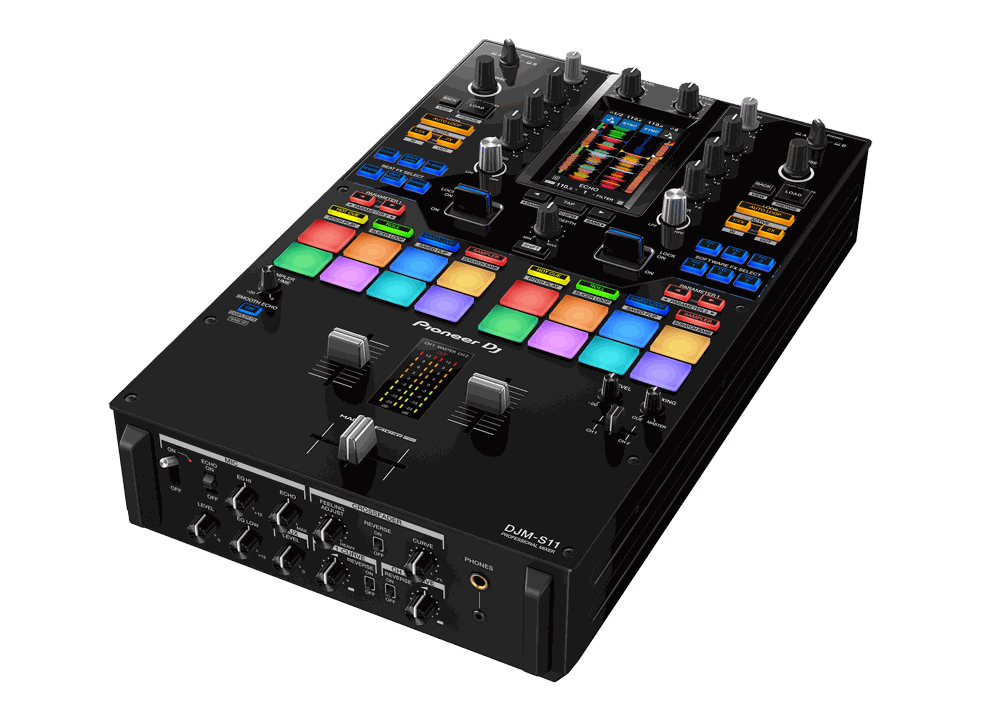
Pioneer DJ
DJM-S11
2-channel scratch mixer
USB routing & lighting setup →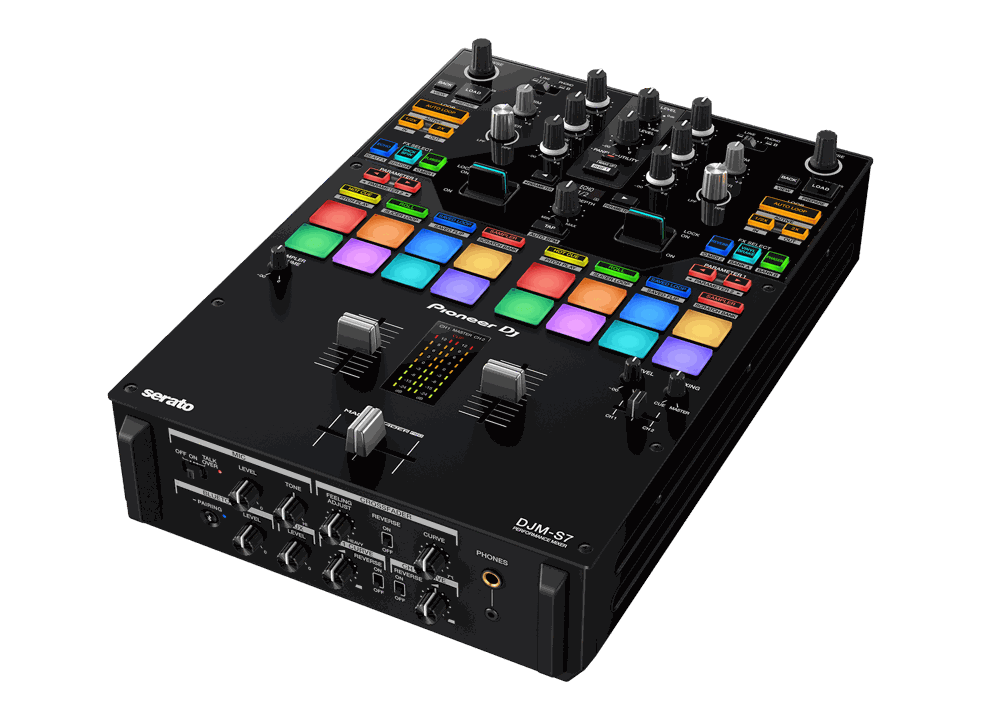
Pioneer DJ
DJM-S7
2-channel scratch mixer
USB routing & lighting setup →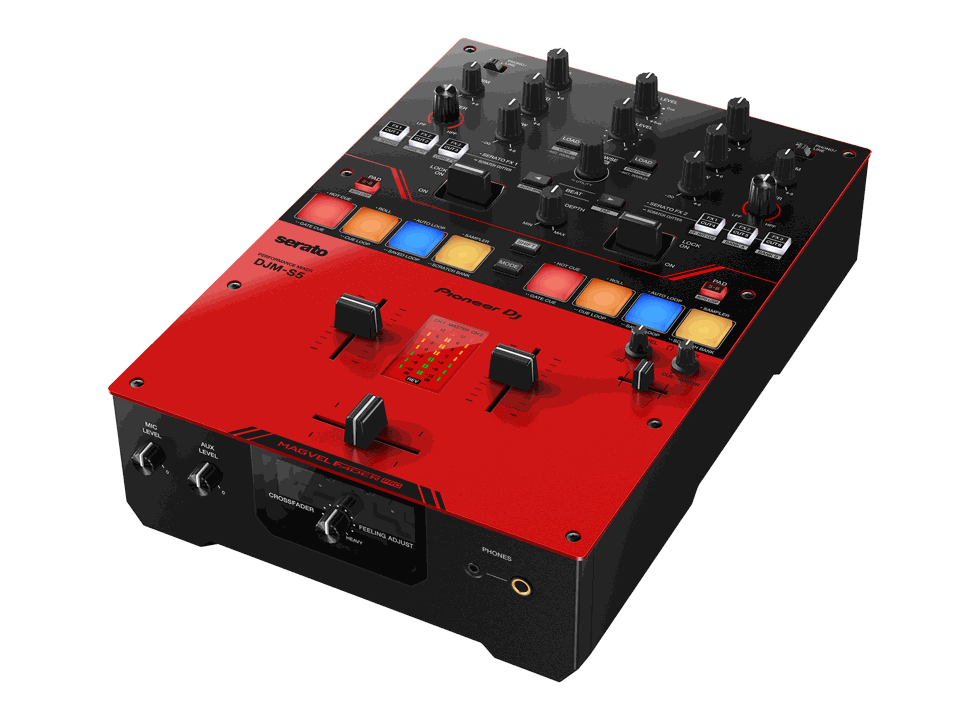
Pioneer DJ
DJM-S5
2-channel USB-powered scratch mixer
USB routing & lighting setup →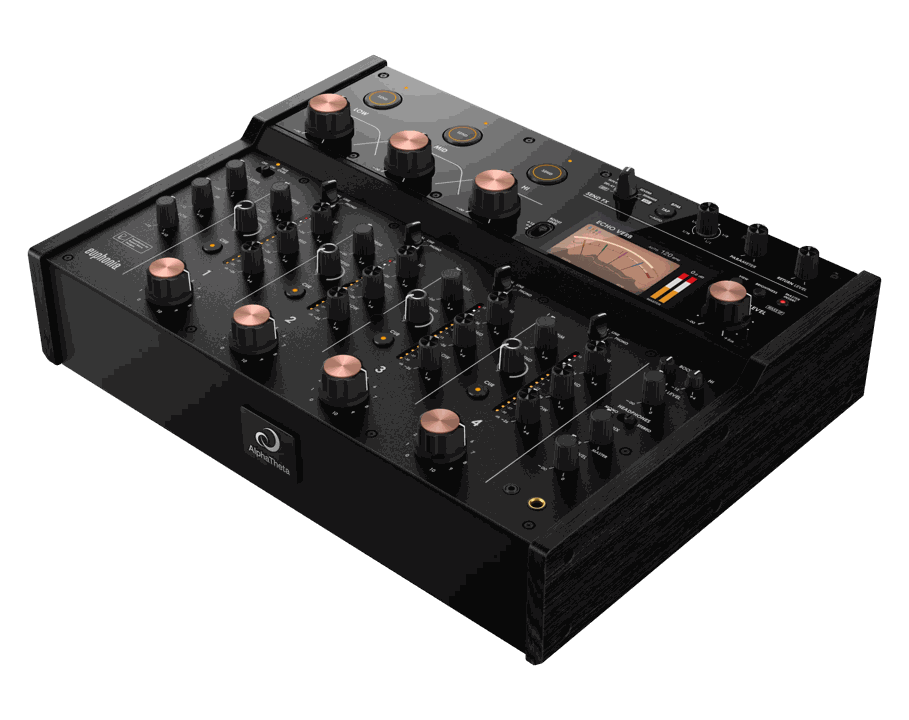
AlphaTheta
euphonia
4-channel rotary mixer
USB routing & lighting setup →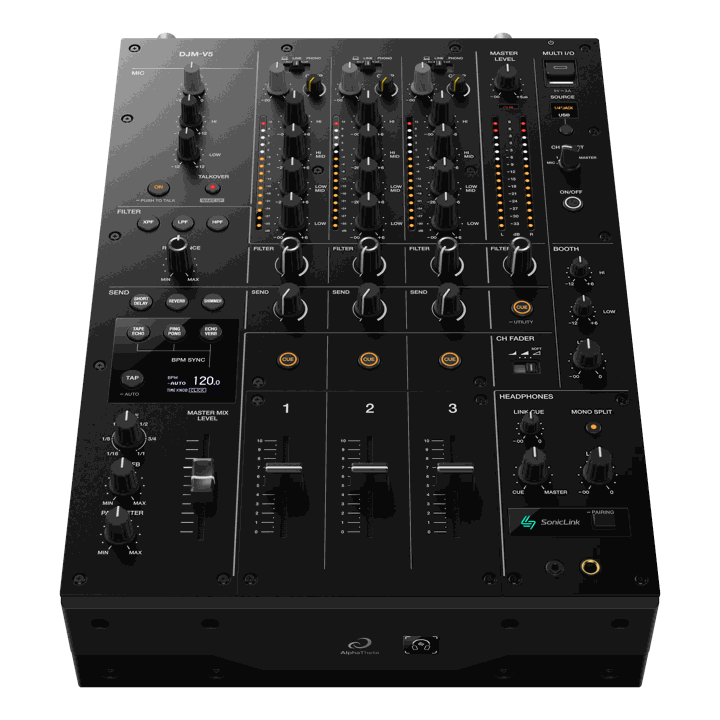
AlphaTheta
DJM-V5
3-channel performance mixer
USB routing & lighting setup →Legacy mixers
Pioneer DJ · LEGACY
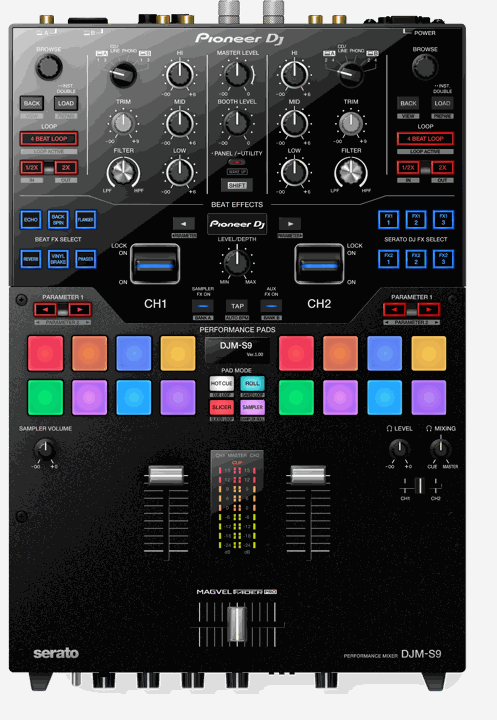
DJM-S9
2-channel scratch mixer
USB routing & lighting setup →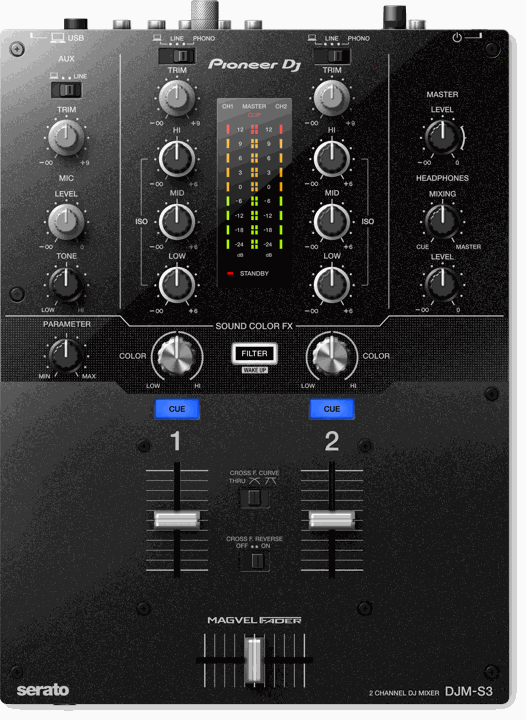
Pioneer DJ · LEGACY
DJM-S3
2-channel scratch mixer
USB routing & lighting setup →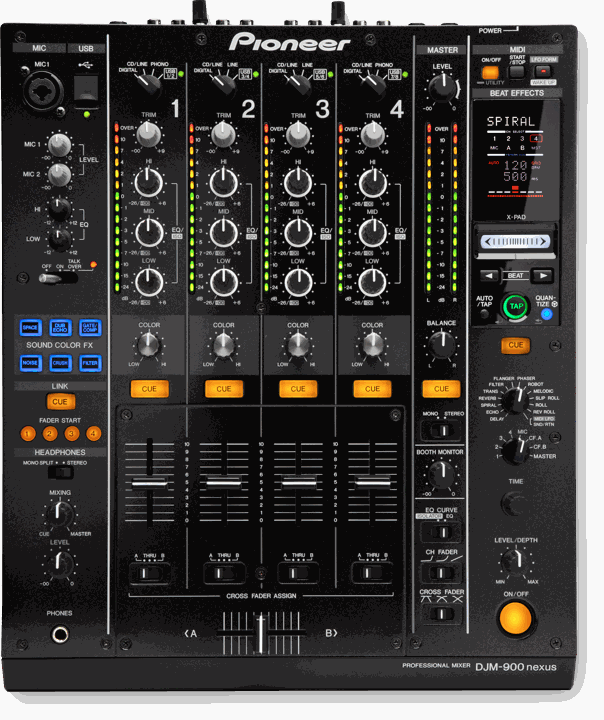
Pioneer DJ · LEGACY
DJM-900NXS
4-channel legacy club mixer
USB routing & lighting setup →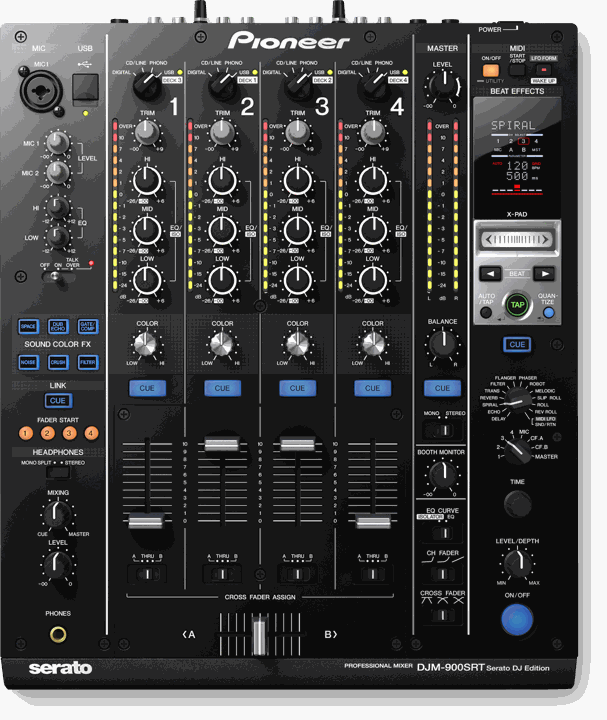
Pioneer DJ · LEGACY
DJM-900SRT
4-channel legacy Serato mixer
USB routing & lighting setup →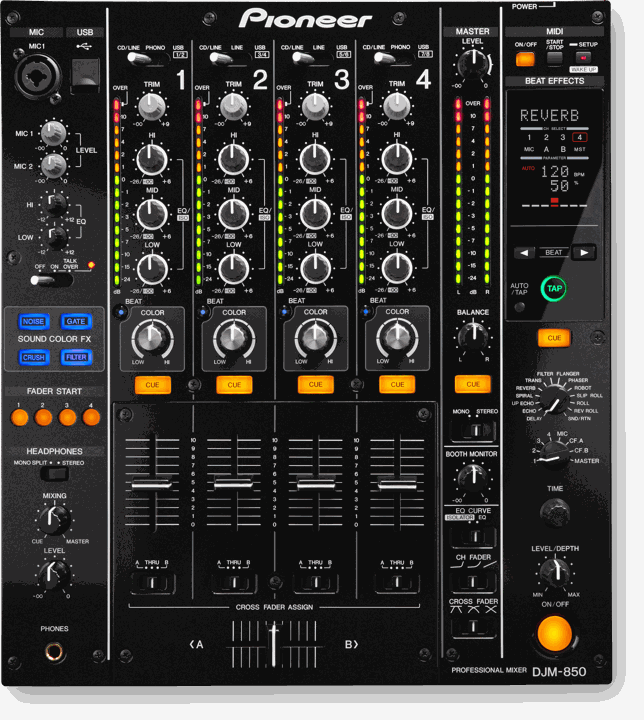
Pioneer DJ · LEGACY
DJM-850
4-channel legacy mixer
USB routing & lighting setup →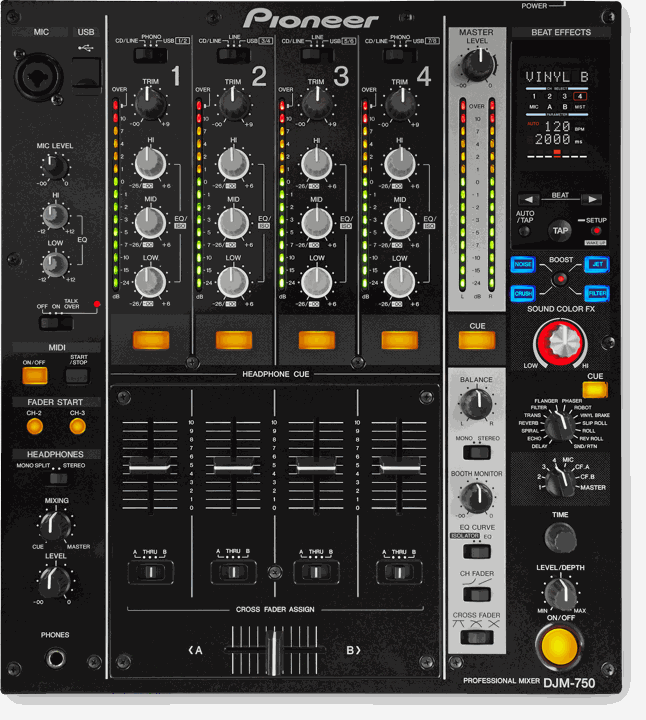
Pioneer DJ · LEGACY
DJM-750
4-channel legacy mixer
USB routing & lighting setup →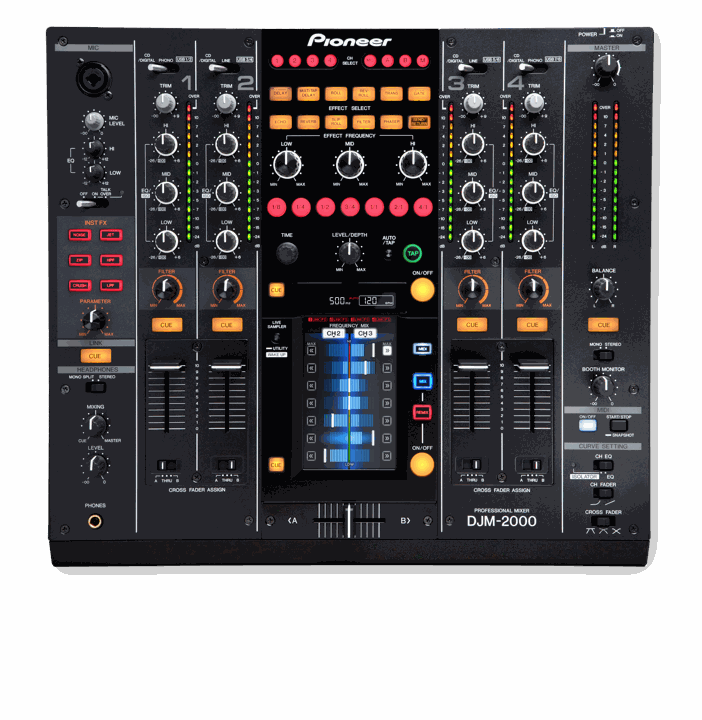
Pioneer DJ · LEGACY
DJM-2000
4-channel legacy performance mixer
USB routing & lighting setup →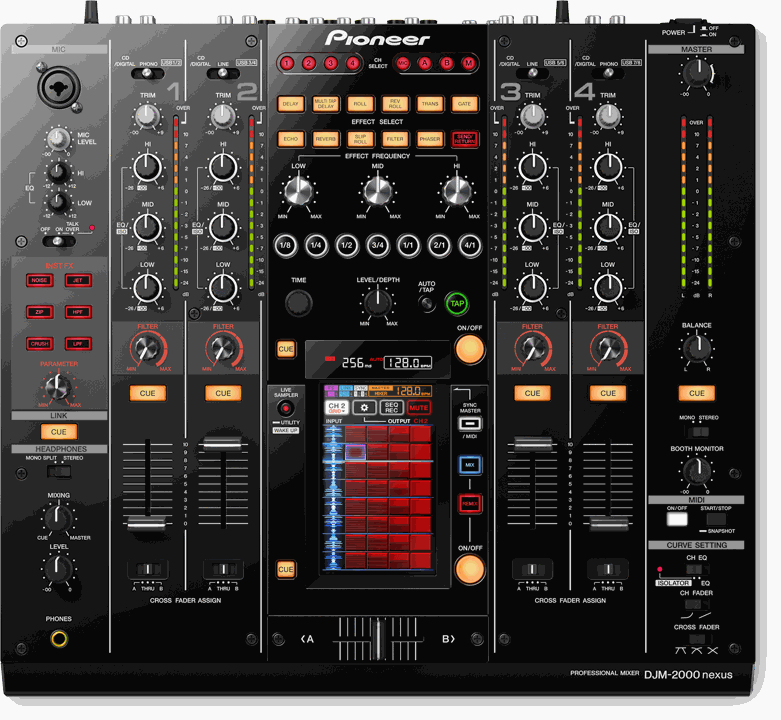
Pioneer DJ · LEGACY
DJM-2000NXS
4-channel legacy Nexus mixer
USB routing & lighting setup →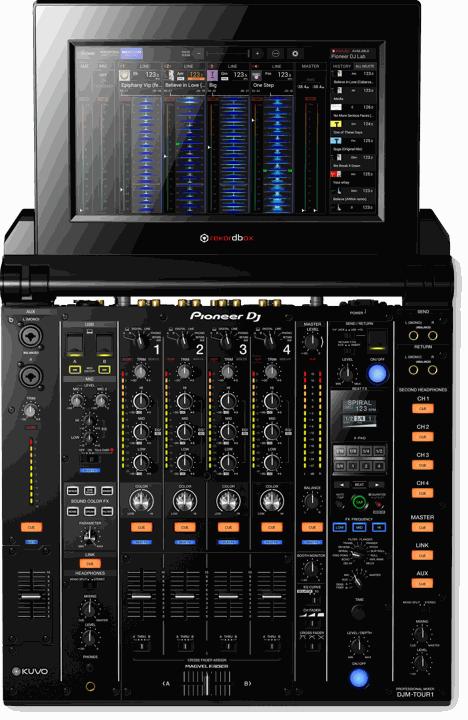
Pioneer DJ · LEGACY
DJM-TOUR1
4-channel touring mixer
USB routing & lighting setup →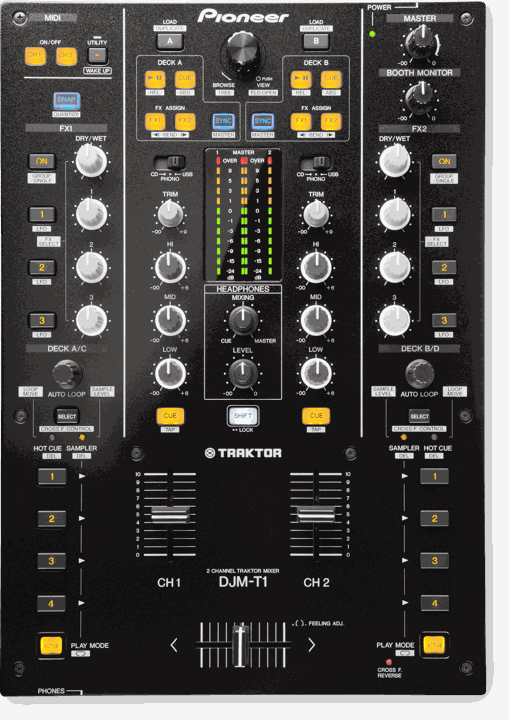
Pioneer DJ · LEGACY
DJM-T1
2-channel legacy TRAKTOR mixer
USB routing & lighting setup →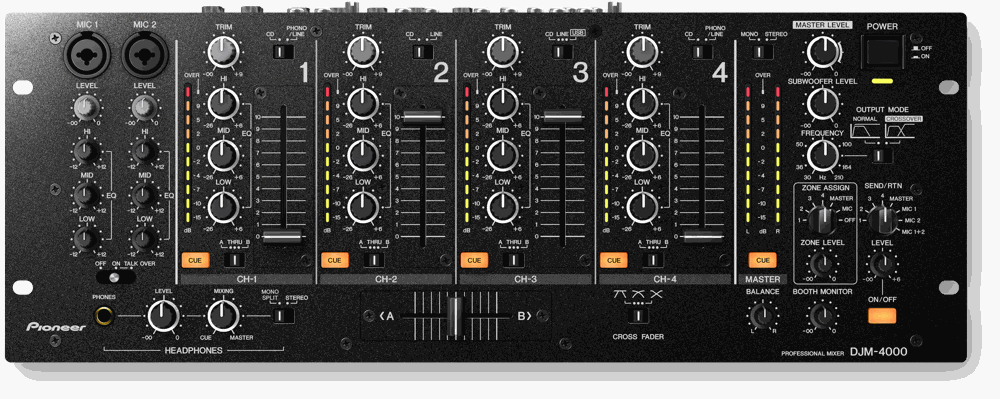
Pioneer DJ · LEGACY
DJM-4000
4-channel legacy rack mixer
USB routing & lighting setup →Have a different Pioneer device?
These models need a different audio route. You can still run lights from their music by connecting a suitable line-level output to a separate stereo USB audio interface and selecting that interface in Very Lit.
XDJ-RX, XDJ-RX2, XDJ-RX3 and XDJ-RR
Their computer USB connection is not a documented standalone master-mix input for this setup. Recording to a USB stick or playing computer audio through the console is a different function. Feed a separate stereo USB audio interface from an available line-level output.
Manufacturer reference 1 ↗ Manufacturer reference 2 ↗ Manufacturer reference 3 ↗
XDJ-AERO
Its USB sound-card and storage recording features do not establish a standalone master-mix capture route to the current bridge. Use a separate stereo USB audio interface for the mixer output.
DJM-5000
The USB interface sends computer playback into the mixer; it does not provide the documented mix-to-Mac input needed here. Use the analog recording output with a stereo USB audio interface.
Original DJM-250, DJM-350, DJM-400, DJM-500, DJM-600, DJM-700, DJM-800, DJM-707, DJM-909, DJM-1000 and SVM-1000
These do not supply this direct computer USB mix-capture route. A USB storage recording socket, where present, is not a computer audio input. Use an available line-level mix output and a separate stereo USB audio interface.
Build your lighting show before plugging in.
Place your fixtures in the browser editor and preview the room in 3D. When you’re ready, your Mac listens to the mix and runs the lights.
Try Very Lit →Independent Very Lit setup guides. Pioneer DJ and AlphaTheta product names and photos belong to their respective owners. No affiliation or endorsement is implied. Documentation reviewed October 12, 2026.