A clear setup workflow
Add your fixtures, match their modes and addresses, arrange the room, and link the bridge. Start with the lights you have.
WHY VERY LIT
A fast path from your lighting rig to a music-reactive show. Plan the room online, see your lights in simulation, then let your laptop run the lighting while you focus on the music.
No dedicated Very Lit controller to buy. For real lights, bring your Mac, audio input and a compatible ENTTEC DMX USB Pro or Art-Net node.
Add your fixtures, match their modes and addresses, arrange the room, and link the bridge. Start with the lights you have.
Design positions, heights and mounting angles in a full 3D space. Preview the lighting on your virtual rig before connecting physical fixtures.
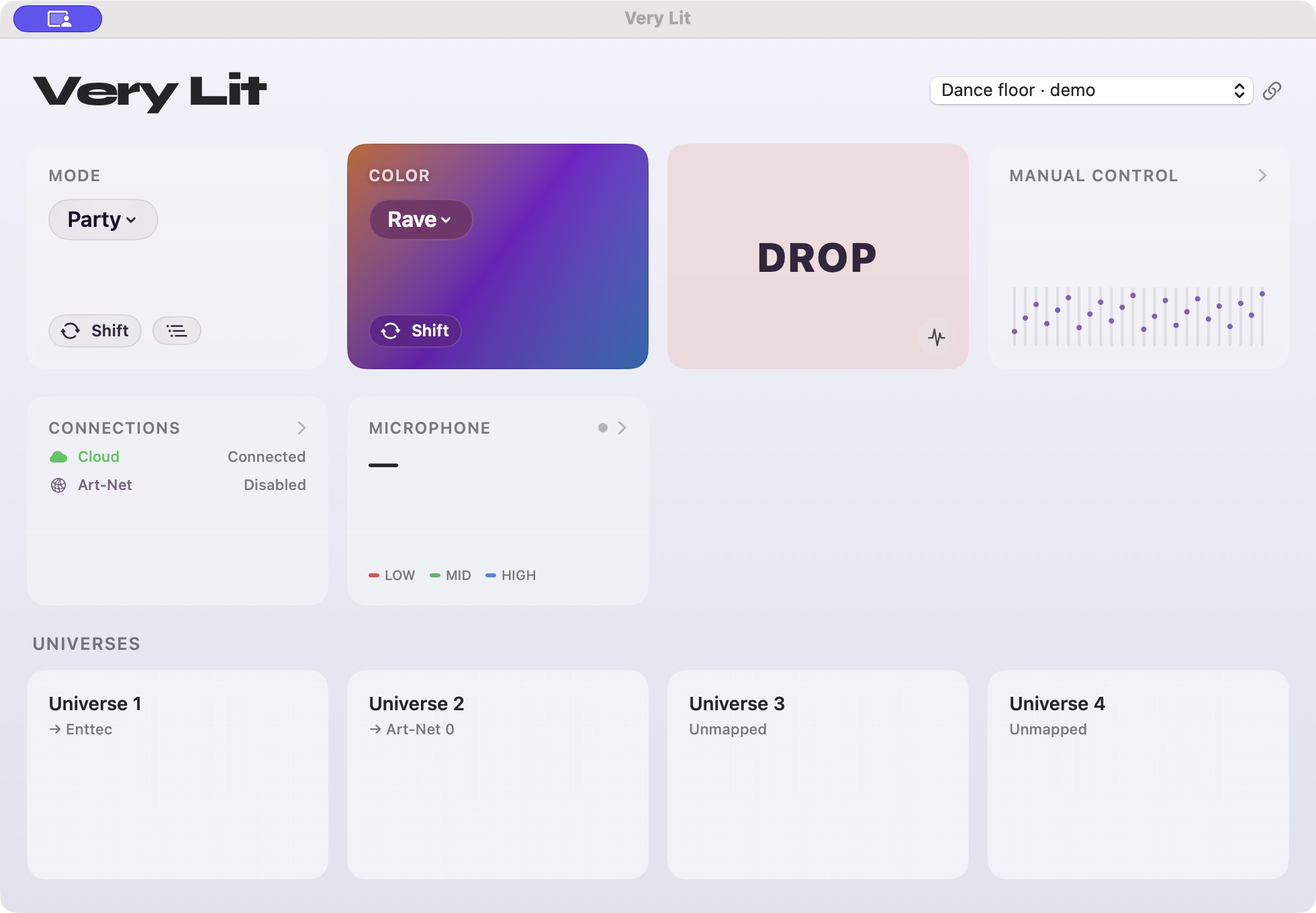
The Mac bridge responds to live audio. You can change the look without spending the whole set choosing the next fader move.
YOUR ONLINE DESIGN SPACE
Place fixtures in 3D, check their aim, and try lighting modes and color schemes on the whole rig. The editor and simulation work in your browser without a DMX interface.
When you are ready, load that show in the Mac bridge and test the physical output. You keep the visual design workflow and use standard lighting connections.
Explore the show editor →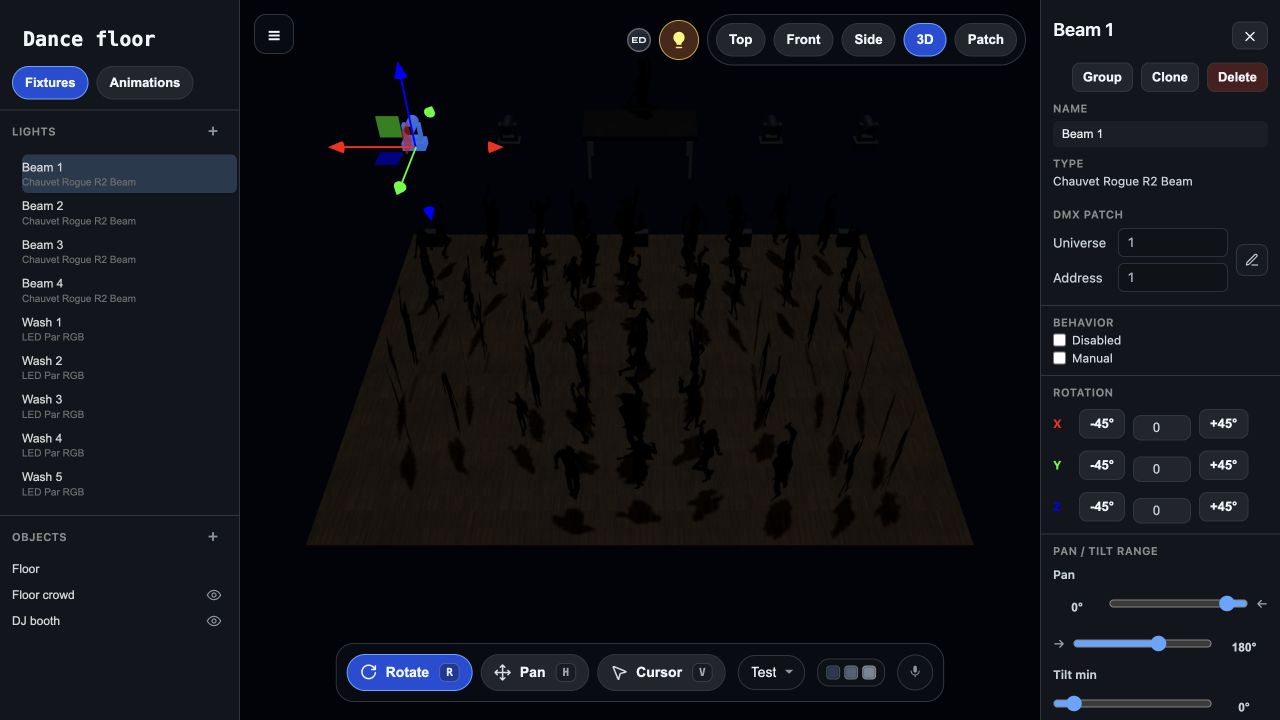
VS A BASIC SLIDER DESK
A small desk is useful for hands-on color changes and simple scenes. As your rig grows, selecting channels and building chases gives you more to manage, without a room view to plan the result.
Very Lit adds 3D design, simulation and a music-reactive engine across your patched rig. Choose a look and let live audio drive it.
See the board vs software comparison →VS GRANDMA
grandMA3 is a professional programming system with 3D visualization, cues, effects and timecode. That depth is valuable when you need a precisely programmed production, and brings a broader setup and learning task.
Very Lit focuses on visual rig design and music-reactive operation. You can skip a console purchase and the cue-programming workflow when your goal is lighting that follows a live DJ set.
grandMA can automate a programmed show; continuous busking is a choice, not a requirement.
VS MAESTRODMX
MaestroDMX also responds to live music and has a web app. Its appeal is a standalone controller that runs without a laptop.
Very Lit is for people who want the laptop workflow: an online 3D design space, a browser simulation and live output from the Mac bridge. There is no proprietary Very Lit controller purchase; connect through supported DMX hardware instead.
Save about $900 on a dedicated controller →STANDARD OUTPUTS. YOUR EXISTING RIG.
Use the Mac bridge with an ENTTEC DMX USB Pro or an Art-Net node. If you already own compatible output hardware, use it with the fixtures in your show.
You can design and simulate before connecting any hardware. Real fixtures still need power, DMX cables and an output device.
SEE IT FOR YOURSELF
Run the Nightclub demo in your browser and see the music-reactive simulation before creating an account.
See Demo →Have a question about your lights or your next event? Send us a message.