MaestroDMX controller
$899 USD
A dedicated device with DMX output. A good fit if you want your lighting to run without a laptop.
View the manufacturer’s price ↗VERY LIT VS MAESTRODMX
Keep your Mac. Skip the MaestroDMX box. Design your lighting in 3D, preview the show online, then let Very Lit run the lights from the music.
MaestroDMX lists its controller at $899 USD. Very Lit has no proprietary controller to buy. This is the avoided controller purchase, rounded to $900—not a total system or subscription savings promise. A Mac and compatible DMX output hardware are required.
WHERE THE SAVING COMES FROM
$899 USD
A dedicated device with DMX output. A good fit if you want your lighting to run without a laptop.
View the manufacturer’s price ↗$0 to buy
There is no proprietary Very Lit box. Your Mac runs the bridge; an ENTTEC DMX USB Pro or Art-Net node connects it to DMX fixtures.
Choose your output connection →Controller purchase comparison only, checked October 8, 2026. $899 rounds to about $900. Taxes, shipping, discounts, Very Lit plan costs, laptop, fixtures, cables and output interfaces are excluded. If you need to buy an interface or a Mac, those costs reduce your overall savings. Very Lit plans are Free ($0/month), Club ($20/month) and Venue ($100/month). Compare the plan and equipment you need before choosing your live setup.
Compare Very Lit plans →MORE THAN SKIPPING A BOX
Place your fixtures around the DJ booth, stage and dance floor in the browser. Preview the beams, try color palettes and arrange animation groups before you connect the physical rig.
Spend your setup time shaping the show you want. You can explore the editor and simulation before buying lighting output hardware.
See the 3D design workflow →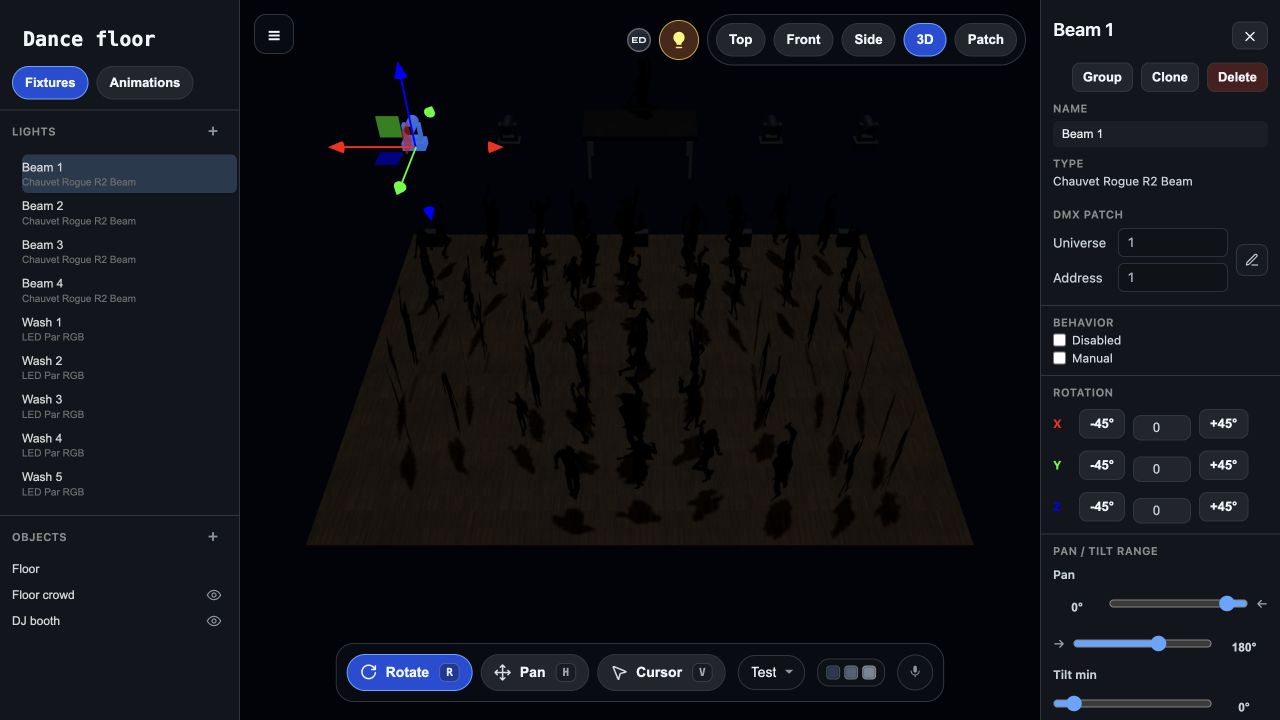
Find your fixture profiles, match their modes and addresses, and link the show to the Mac bridge.
Feed live audio into the bridge and run music-reactive lighting while you focus on the DJ set.
Reuse a supported output interface if you already have one. Choose USB Pro for one universe or an Art-Net node for the rig you need.
THE LIVE SHOW
The Mac bridge receives audio and sends the show to real fixtures. Choose the look, check your output and keep the party moving.
Both Very Lit and MaestroDMX react to music. MaestroDMX offers standalone hardware and web control. Choose Very Lit when you want the online 3D design and simulation workflow, and are happy to run the live show from a Mac.
See the Mac bridge setup →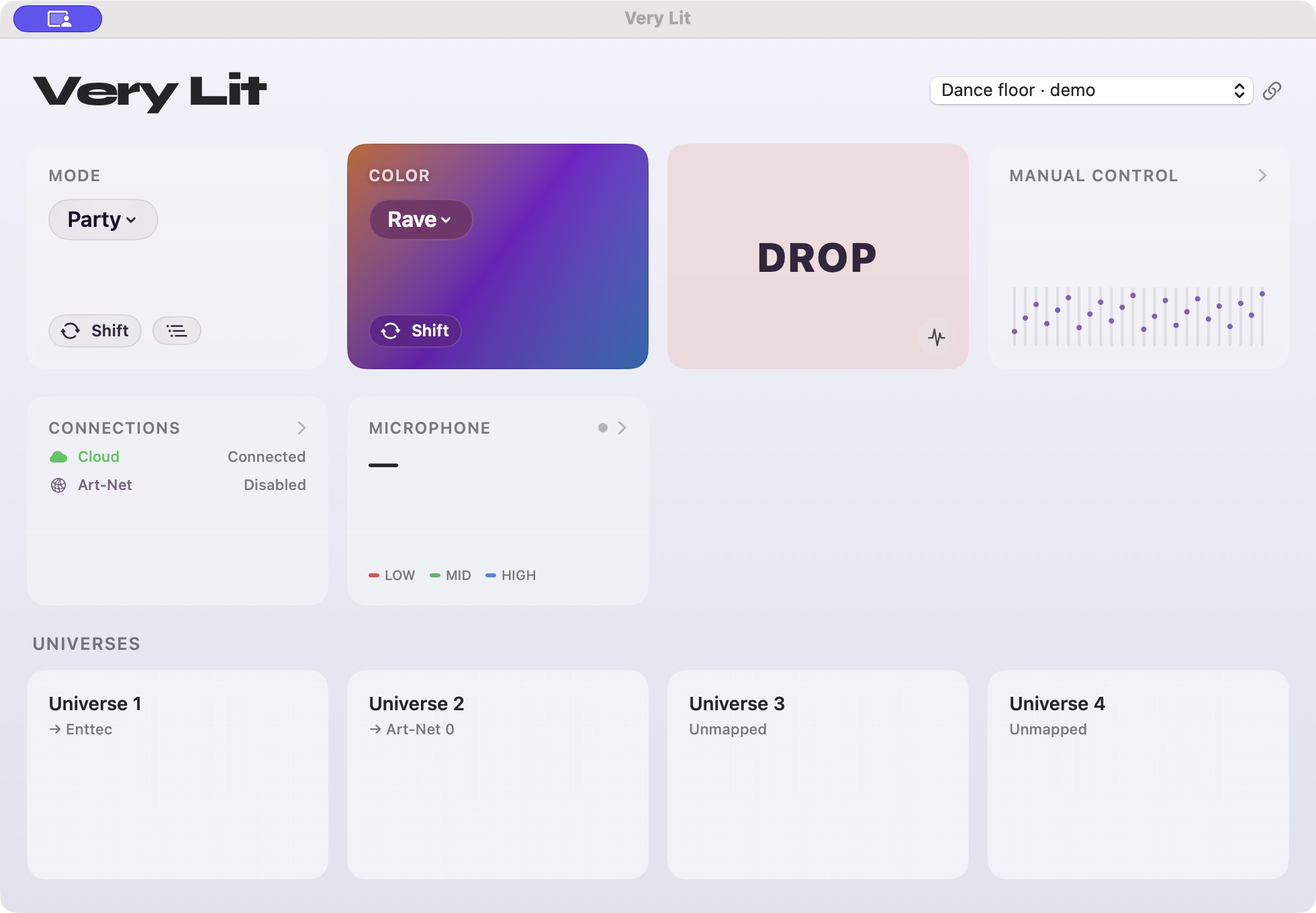
PUT THE BUDGET INTO THE PARTY
Try the Nightclub show in the editor, then decide which live setup fits your event.
See Demo →Have a question about your lights or your next event? Send us a message.