LEARN DMX
DMX, from the first cable to the first look.
DMX is the control language between a lighting controller and your lights. Understand the connection and the channel map once, and both a lighting board and software become much easier to use.
Compare a lighting board with Very Lit →Before you start
- DMX stands for Digital Multiplex. It carries commands for brightness, color, movement and other fixture functions.
- A DMX universe has up to 512 channel slots. Each ordinary 8-bit slot carries a value from 0 to 255; some fine controls combine two slots.
- DMX supplies control data. Each fixture still needs its own appropriate power connection.
One source, many listening lights
STEP 1
Recognize the three parts of a DMX setup
You need a source that creates the channel values, a DMX connection, and fixtures set to listen to DMX. A board can provide the source directly. Computer software needs a USB-to-DMX interface or a network node to reach the lights.
The fixture’s front shows the light it produces. The rear is where you connect data and power and usually select its DMX mode and address.
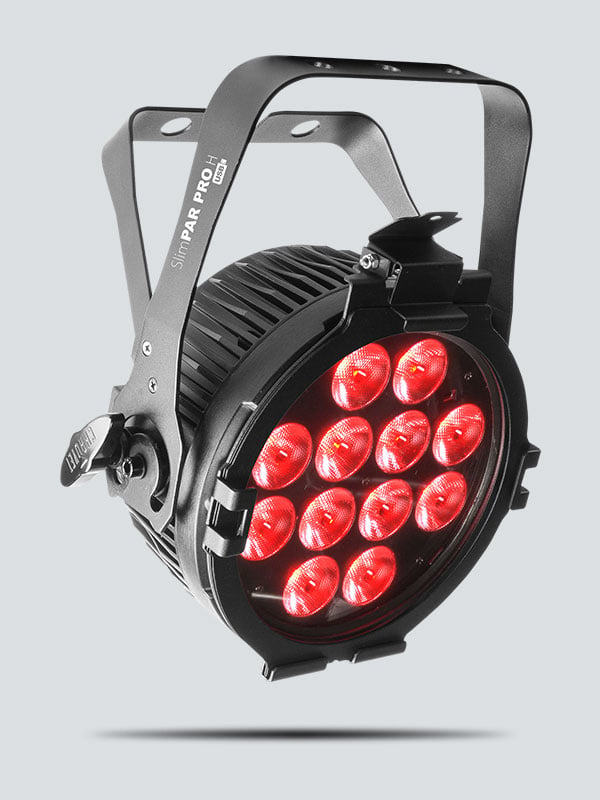
Photo: CHAUVET DJ ↗
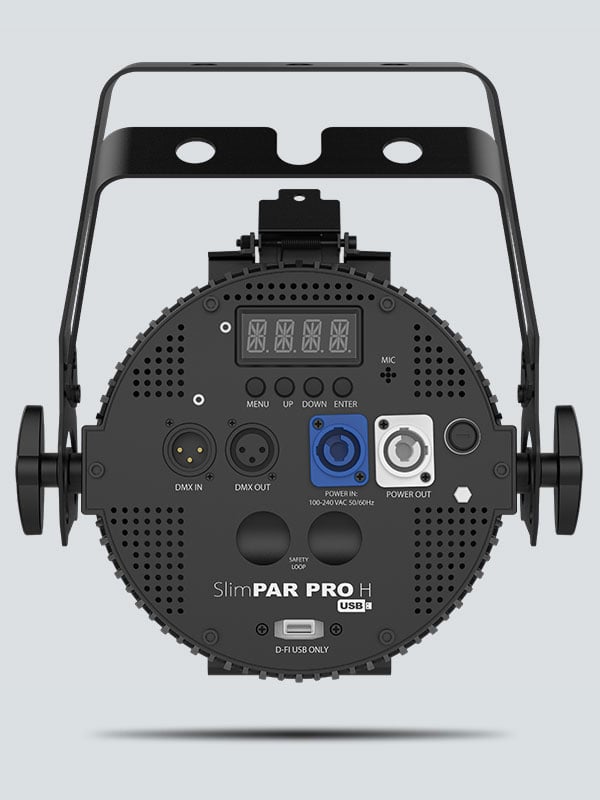
Photo: CHAUVET DJ ↗
STEP 2
Connect OUT to IN, then continue the chain
Run a DMX-rated cable from the controller’s DMX OUT to the first light’s DMX IN. Continue from that light’s DMX OUT to the next light’s IN. Put a matching 120-ohm DMX terminator in the last light’s OUT, or enable its termination switch if provided.
5-pin XLR is the standard portable DMX connector; many DJ fixtures use 3-pin. Use a correctly wired DMX adapter when mixing them. To branch into separate cable runs, use an active DMX splitter rather than a passive Y cable.
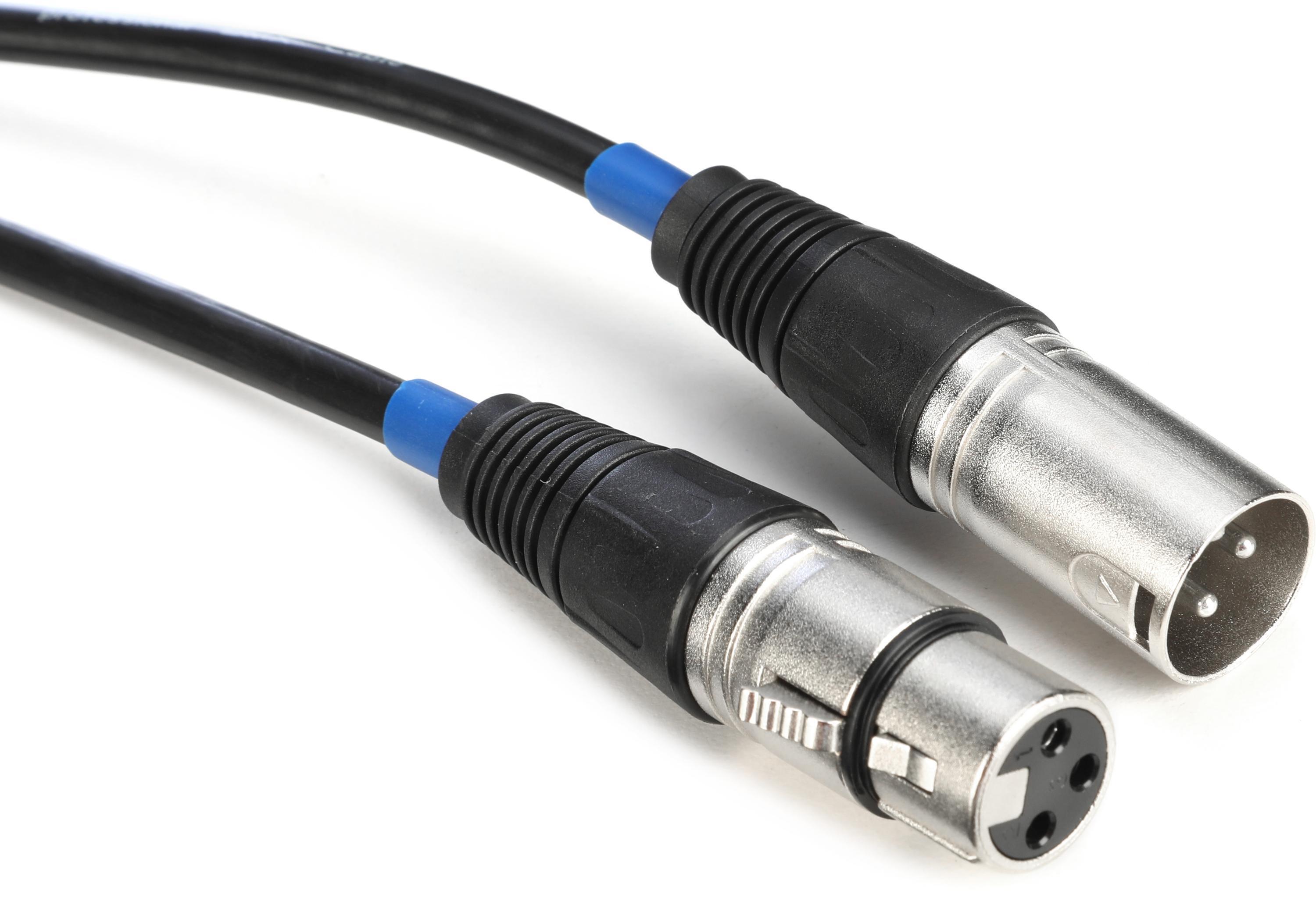
Photo: Sweetwater / CHAUVET DJ ↗
A simple two-light cable run
STEP 3
Choose a mode before choosing addresses
A mode is a fixture’s channel layout. A simple RGB mode may use three slots: red, green and blue. Another mode on the same light may add a dimmer, strobe or programs. Match the physical light’s mode to the controller’s patch.
The start address is the first slot the fixture reads. In an illustrative 3-channel RGB mode at address 1, red uses slot 1, green slot 2 and blue slot 3. The next independently controlled copy can start at 4. Your real fixture’s manual decides its functions.
Two independent RGB lights: an example
STEP 4
Use a lighting board to send values
On a direct channel board, a fader changes a DMX slot. On a fixture-based board, select a fixture button and then use its channel faders; larger consoles patch a fixture profile so controls have names such as intensity or pan.
Raise the channel identified as red in the manual, and open the dimmer or shutter if that mode needs one. A fader is not automatically “brightness”: the same numbered fader can control a different function on a different light. Our lighting-board comparison explains how this manual workflow differs from Very Lit’s visual, music-reactive approach.
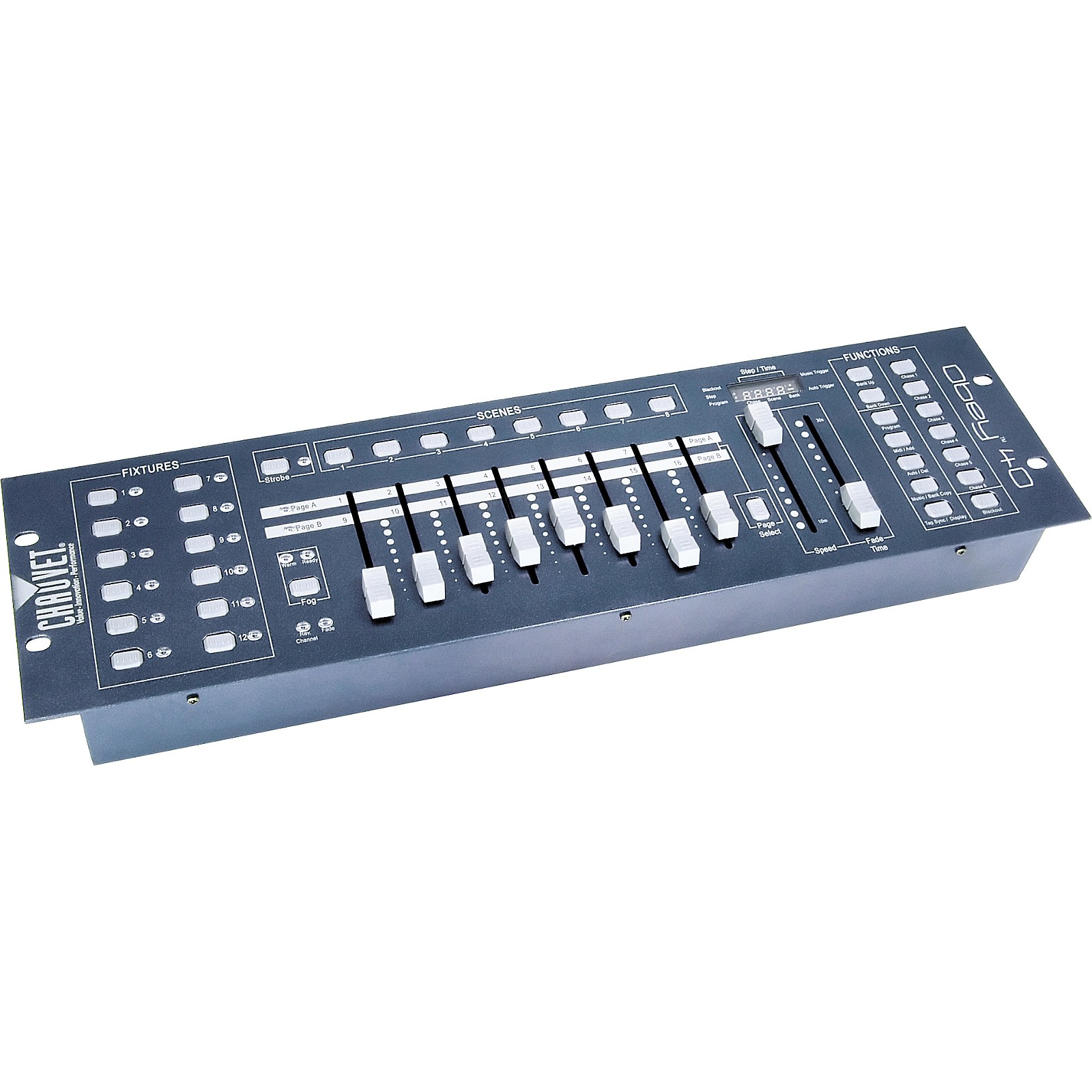
Photo: Guitar Center / CHAUVET DJ ↗
STEP 5
Save a look, then decide how to run the show
A scene stores a lighting look. A chase plays a sequence of scenes; its speed sets the pacing and fade time sets how smoothly looks change. A sound-triggered chase normally advances programmed steps rather than inventing a new lighting design.
Very Lit uses the same underlying fixture modes and addresses. Its browser editor describes your rig, and the Mac bridge sends music-reactive output through ENTTEC DMX USB Pro or Art-Net. Start with a working cable and patch before adding music control.
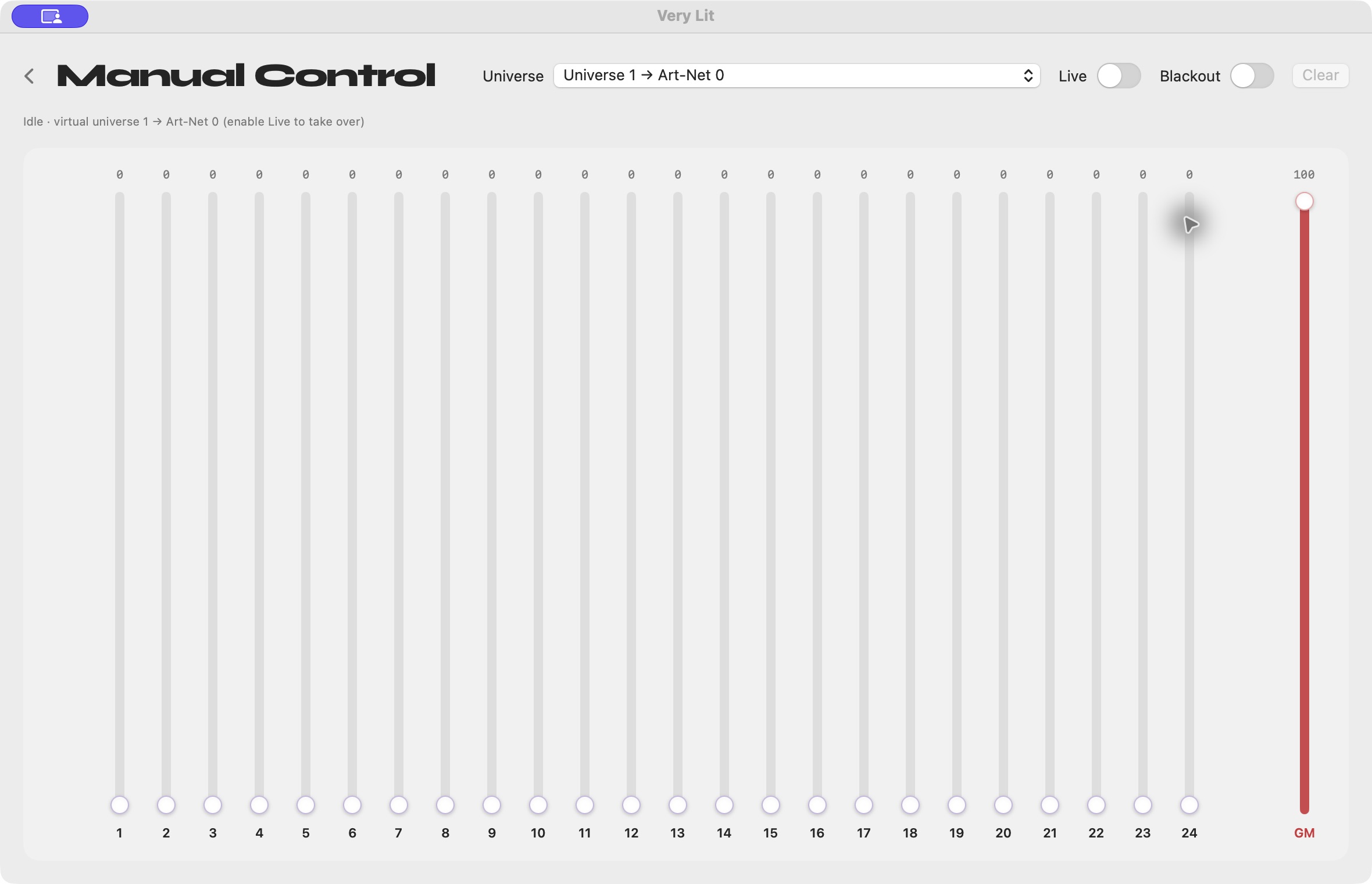
Photo: Very Lit ↗
Troubleshooting
Do I need one channel for each light?
Usually a light uses several channels, one for each controlled function. Two 6-channel fixtures need 12 slots when controlled separately; fixtures sharing the same address and layout follow the same values.
Can two lights share an address?
Yes, intentionally matching fixtures in the same mode can share an address to act together. Assign separate non-overlapping ranges when you want independent control.
Can I plug DMX straight into Ethernet?
An XLR DMX chain and an Ethernet network are different connections. Art-Net carries lighting data over a network; a node converts it to DMX for ordinary XLR fixtures. A connector adapter alone does not perform that conversion.